Fixing issues with coding agents
Firetiger can hand off an issue directly to an external coding agent — Cursor, Devin, Tembo, Replicas, Coder, or any other provider you’ve configured — with a single click from the issue detail page. The agent reads the issue’s description and investigation details, runs a session against your repository, and typically opens a pull request you can review like any other.
This guide covers the end-to-end flow: from configuring a connection to the issue closing after the fix lands.
Prerequisites
- A configured coding-agent connection. Today, Firetiger supports:
- Cursor
- Devin
- Tembo
- Replicas — sandboxed background agents; connect with a Replicas API key and environment ID
- Coder — self-hosted Coder Tasks; connect with your deployment URL, session token, and template version
All of them are added the same way: Integrations → Connections → + Connection, under the Coding Agents category.
You can configure more than one connection per provider (for example, one Cursor key per team) — each shows up as a distinct entry in the
Fix ▾dropdown. - Optionally, a GitHub connection on the same repository the agent will push to. Firetiger doesn’t manage the agent’s PR directly, but having the GitHub connection means webhook events (PR opened, merged, deploy-monitored) close the loop automatically — see What happens next below.
The Fix ▾ dropdown
On any issue detail page (e.g. https://ui.cloud.firetiger.com/issues/FT-42) the header carries a Fix ▾ button. Clicking it opens a dropdown that lists every coding-agent connection you’ve configured, plus a trailing + Coding Agent row that deep-links to the connection setup flow.
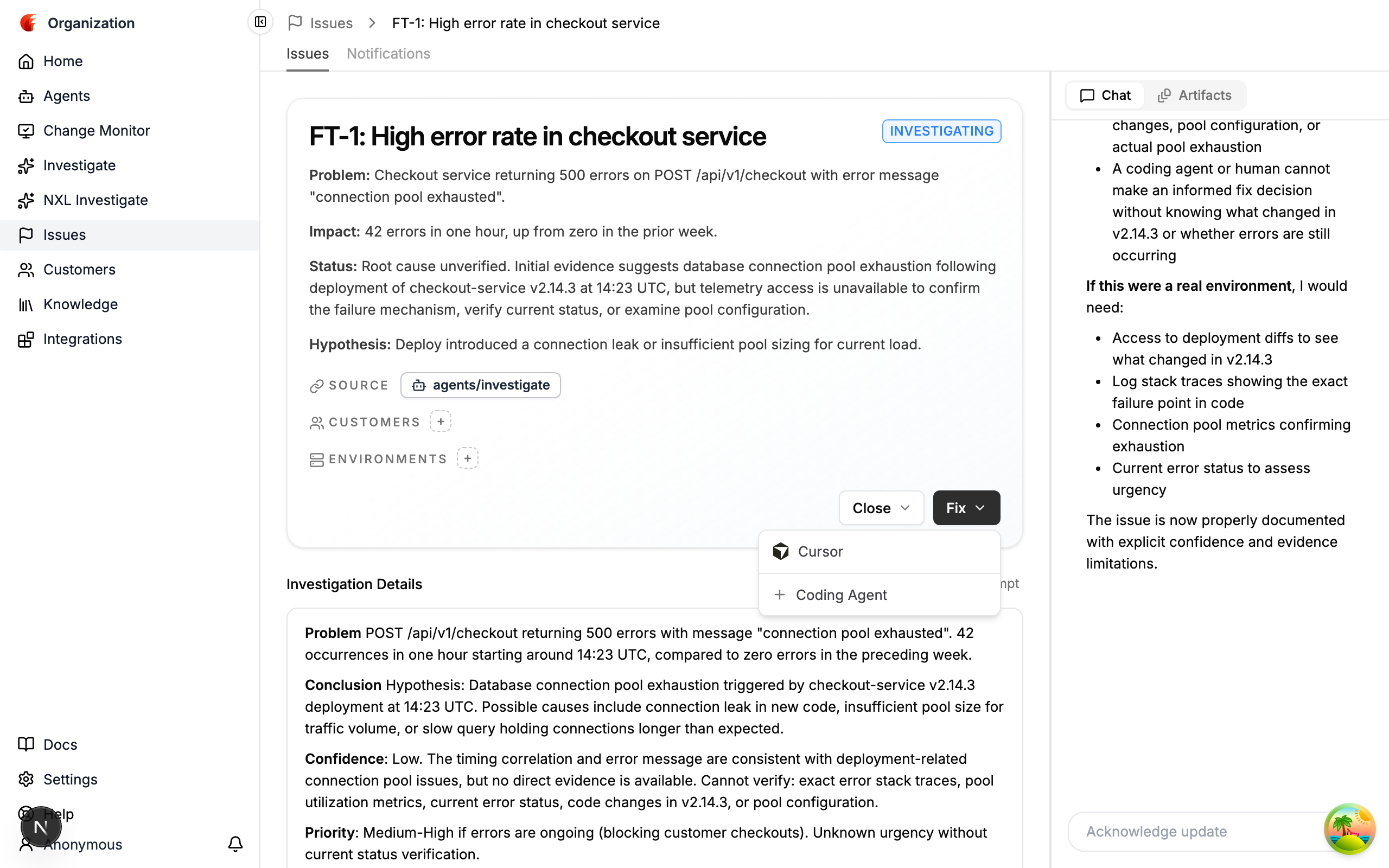
Pick an agent to launch a new session. Firetiger opens a brief transition page while it calls the provider:
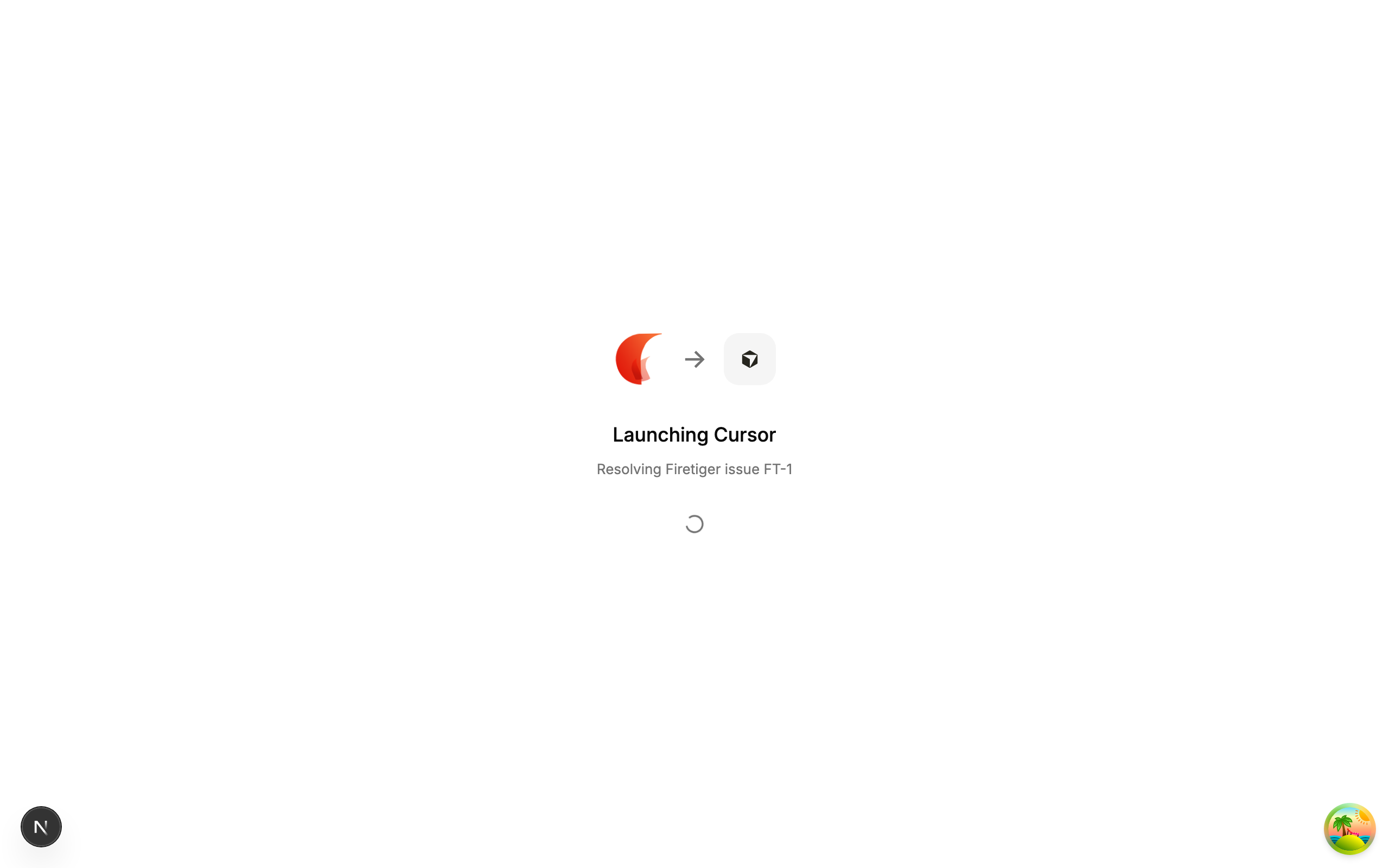
Once the provider accepts the request, the page redirects to the agent’s own session UI in the same tab — cursor.com/agents/... for Cursor, app.devin.ai/sessions/... for Devin, app.tembo.io/tasks/... for Tembo, and so on for the other providers.
The same Fix ▾ control is also available on issue cards in list views (Issues list, Home, Agent views), so you can launch a session without drilling into the issue first.
What happens next
A launched session is an independent artifact on the provider. Firetiger records the session URL on the originating issue as a link so you can jump back to the agent’s log later, but it does not drive the agent’s behavior beyond the initial context handoff.
From here the flow is:
-
Agent runs. The session works through the issue on the provider’s infrastructure, typically opening a pull request against your repo when it has a candidate fix.
-
PR merges. You review and merge the PR in GitHub. If you have Change Monitor wired up, a monitoring plan is created automatically and the issue transitions to Verifying Fix.
Firetiger ties the PR to the issue when the PR description names it with a GitHub-style closing keyword —
Fixes FT-42,Closes FT-42, orResolves FT-42(any offix/close/resolveand their-s/-dforms, case-insensitive; the issue may also be a markdown link or a full issue URL). A bare mention likeRelated to FT-42does not count as a fix. Coding-agent sessions launched fromFix ▾add this line for you, but you can write or edit it by hand on any PR. Firetiger re-reads the link every time the PR description changes and reconciles it against deployments that already happened — so addingFixes FT-42to an already-merged, already-deployed PR still moves the issue to Verifying Fix. -
Fix verified or rejected. If the monitoring plan confirms the underlying problem stopped recurring, the Issue Expert Agent closes the issue with
Resolved. If the problem recurs, the issue moves back to Actionable for another attempt.
Firetiger does not poll the provider for session state — session lifecycle is owned by the agent. The issue-page session link simply lets you jump back to the agent’s own UI on demand.
Multiple attempts and multiple providers
Nothing prevents you from launching more than one session on the same issue. Common patterns:
- Two providers in parallel. Launch Cursor and Devin on the same issue and see which opens the more convincing PR.
- Retry with a different key. If a session stalls, launch a fresh one from
Fix ▾— the new session is independent. - Reviewer hand-off. After a session opens a PR, a reviewer can launch their own session to iterate on the PR comments.
Each launch records a new session link on the issue without overwriting the previous ones.
Related
- Issues — issue lifecycle and the states a Fix can drive
- Cursor — Cursor connection setup
- Devin — Devin connection setup
- Tembo — Tembo connection setup
- Change Monitor — how PR-based monitoring closes the Verifying-Fix loop
- Coding Agents API — programmatic access to the same launch / list / get endpoints